 BookLight
How it works이렇게 동작해요
Every word you look up keeps working for you. 한 번 찾은 단어를 다시 찾아보지 않아도 됩니다.
-
01
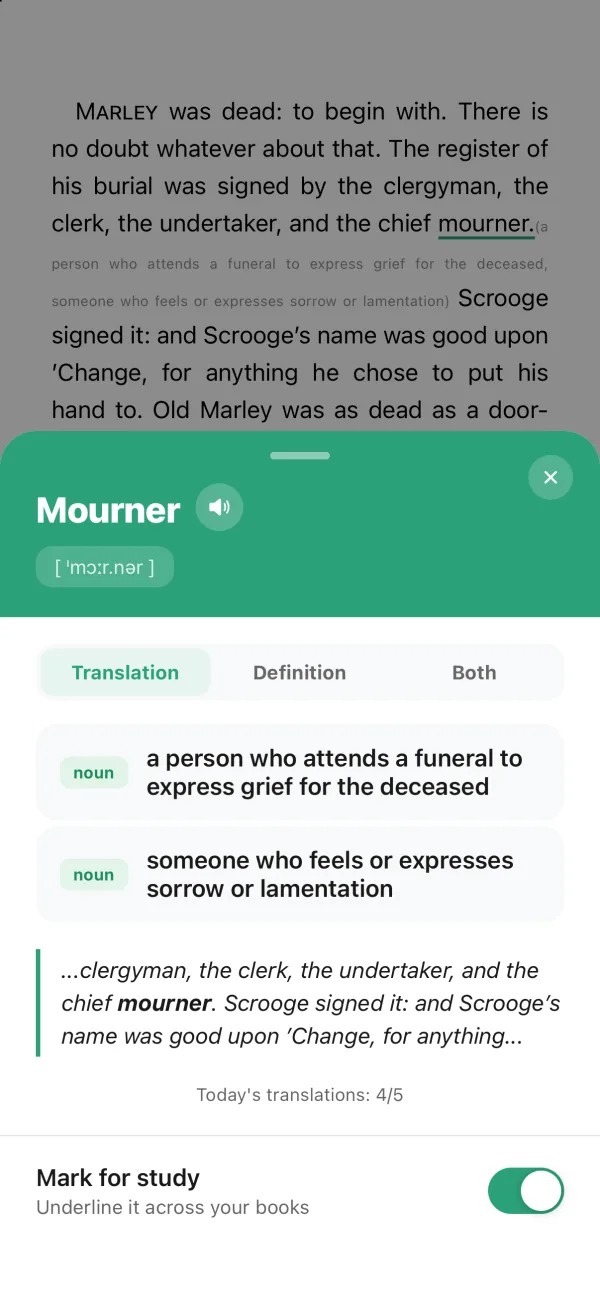
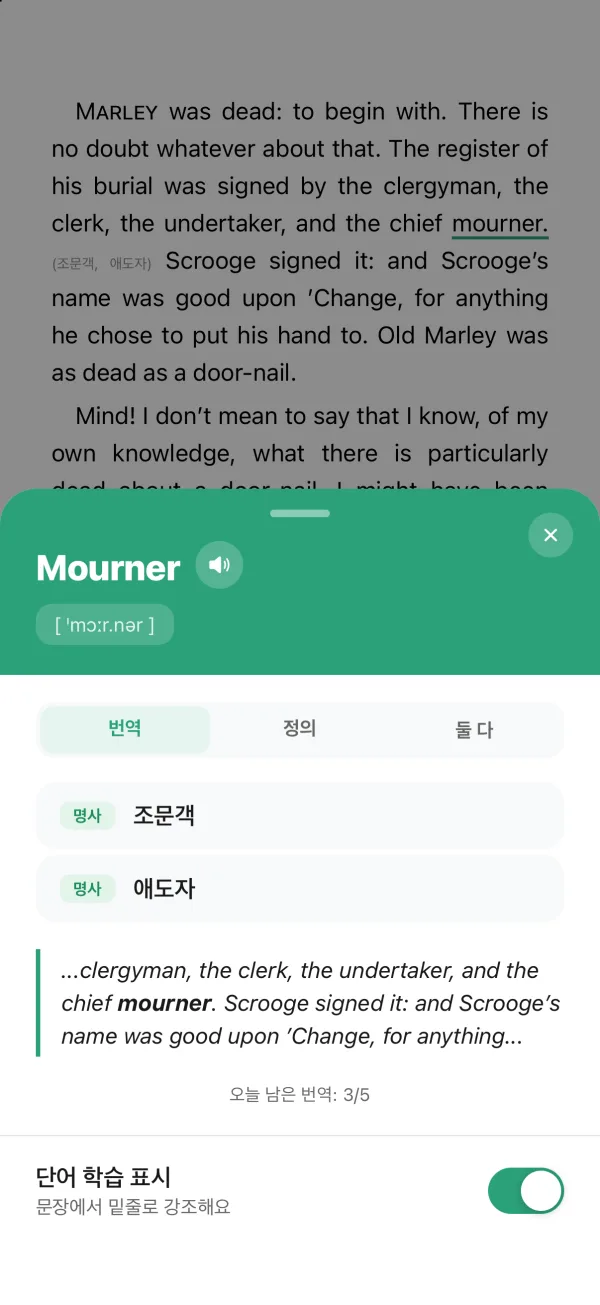
Long-press. The meaning opens over the page.꾹 누르면, 페이지 위에서 바로 뜻이 열려요.
Meaning, pronunciation, and the sentence you found it in. No switching to a dictionary app and losing your place.뜻과 발음, 그 단어가 나온 문장까지. 사전 앱으로 넘어갔다가 어디까지 읽었는지 잊어버릴 일이 없어요.
-
02
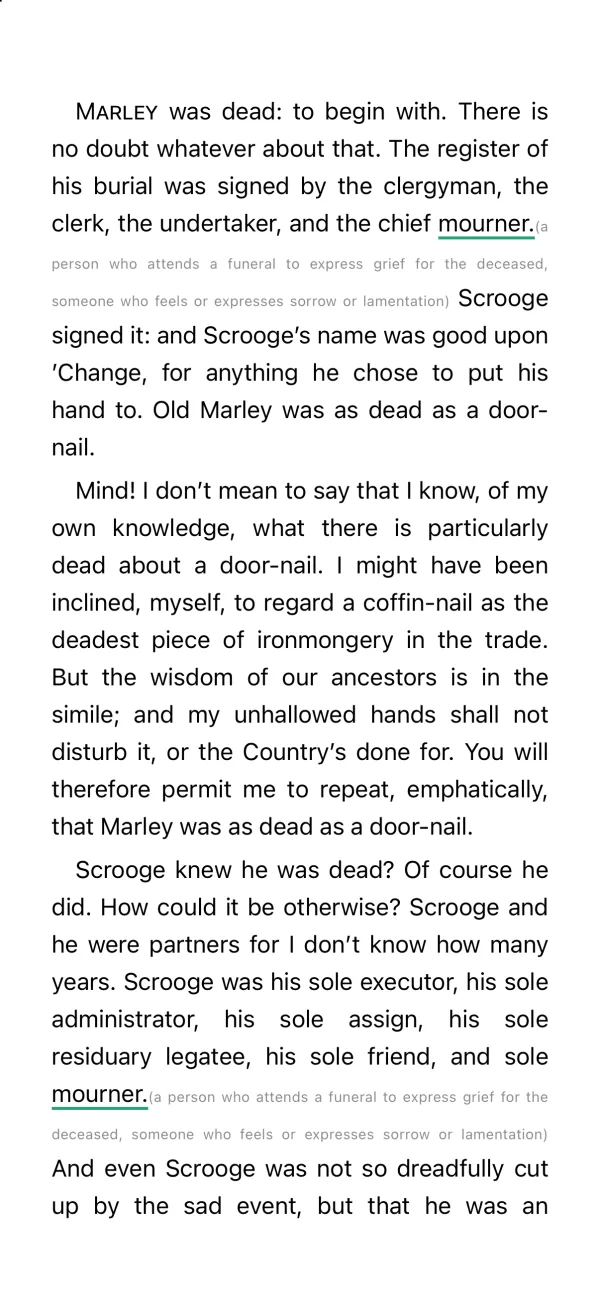
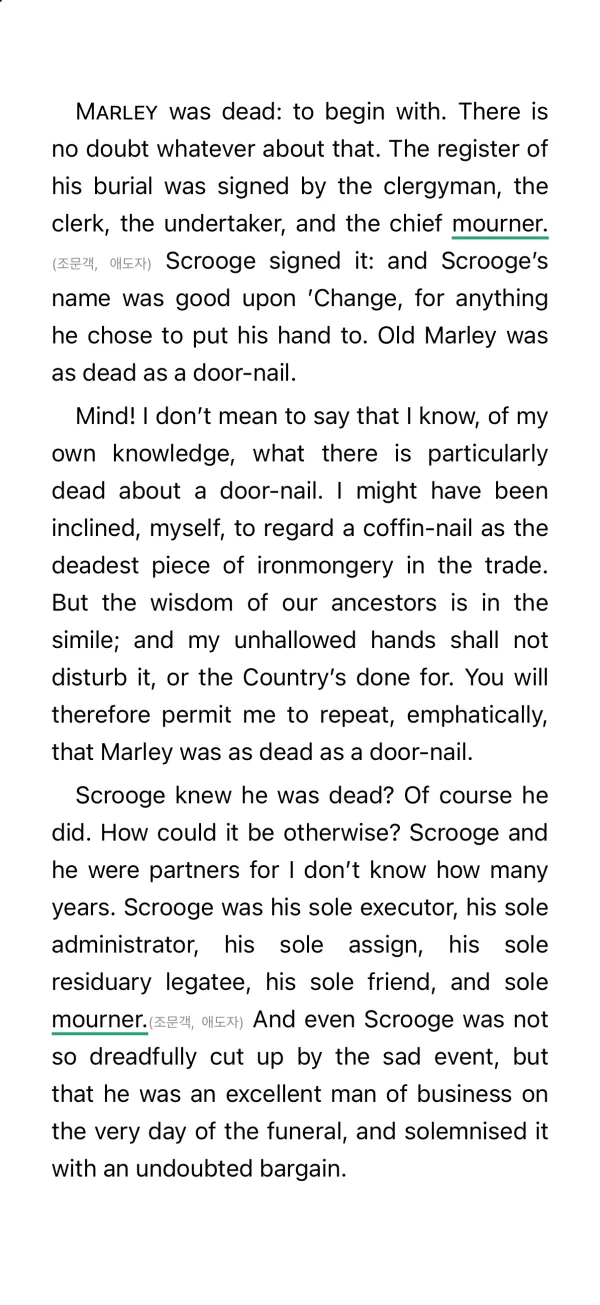
Close it, and the word stays marked. Everywhere.닫아도 단어는 표시된 채로 남아요. 어디서든.
Every place the word appears gets an underline and a short meaning — further down this page, in the next chapter, in the next book you open.그 단어가 나오는 모든 곳에 밑줄과 짧은 뜻이 붙어요. 같은 페이지 아래에도, 다음 장에도, 다음에 여는 책에도.
-
03
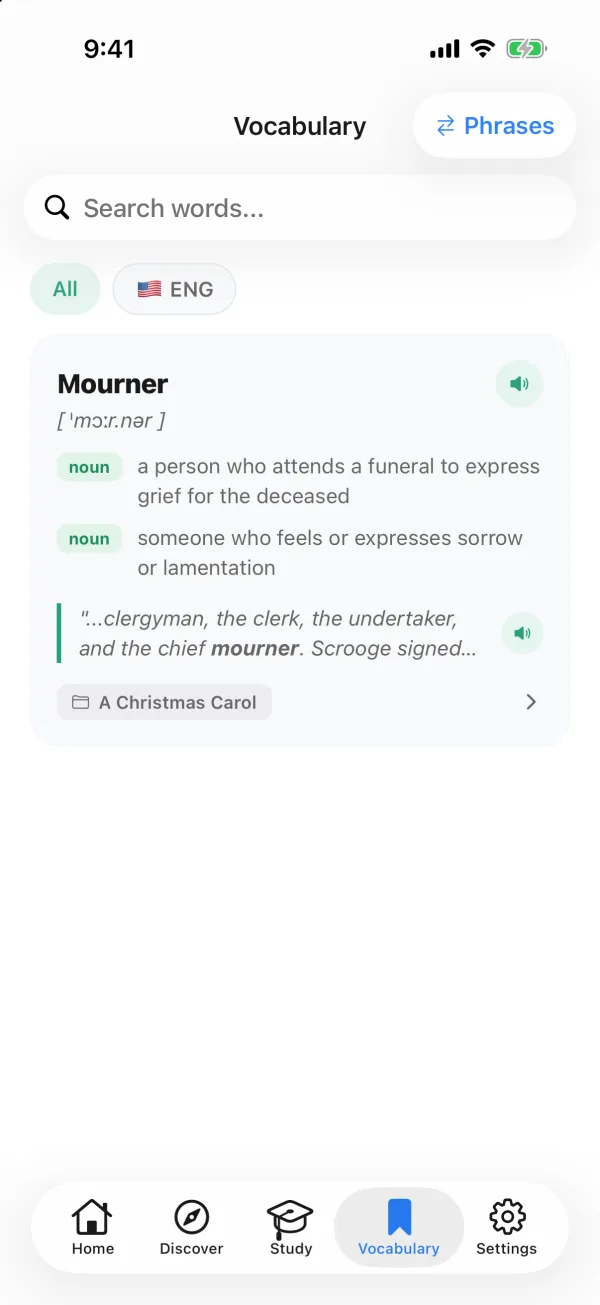
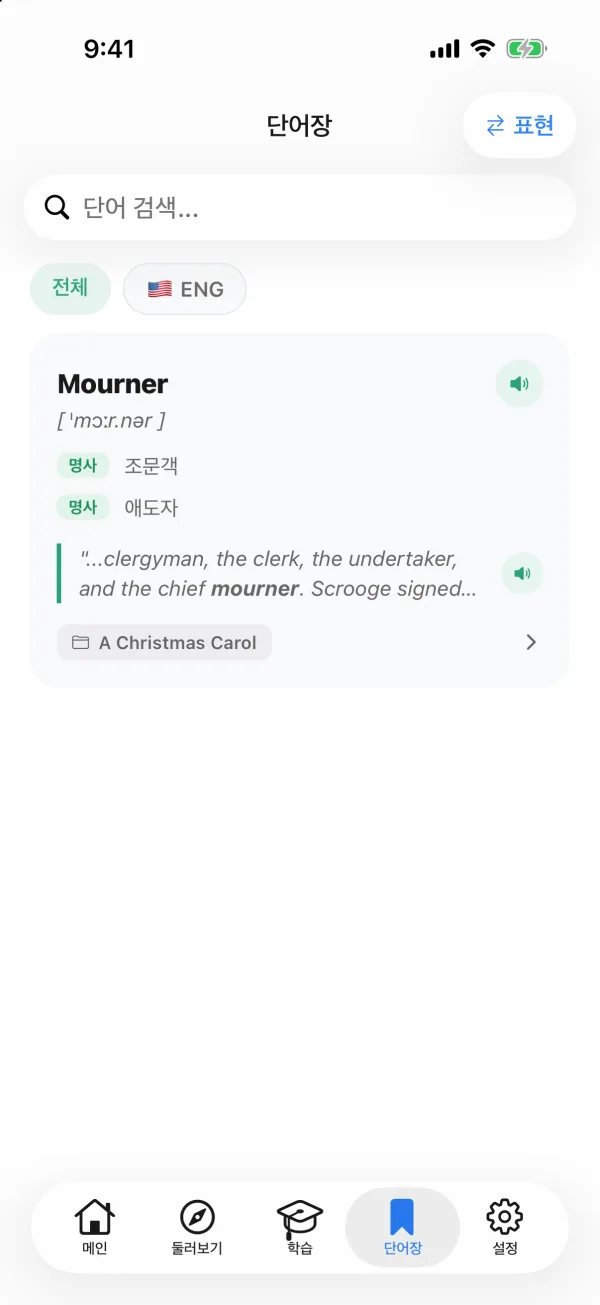
It lands in your word list, sentence and all.단어장에는 문장째로 저장돼요.
Each word keeps the sentence and the book it came from. Tap it later to jump straight back to where you met it.단어마다 나왔던 문장과 책이 함께 남아요. 나중에 누르면 처음 만났던 자리로 바로 돌아가요.
-
04
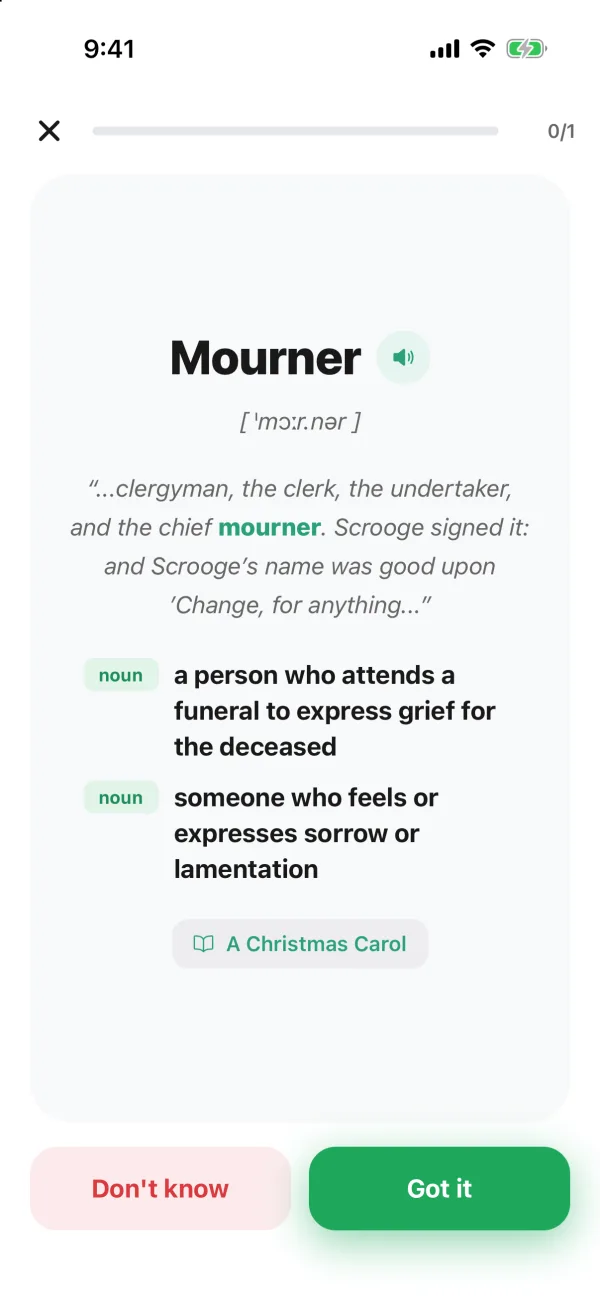
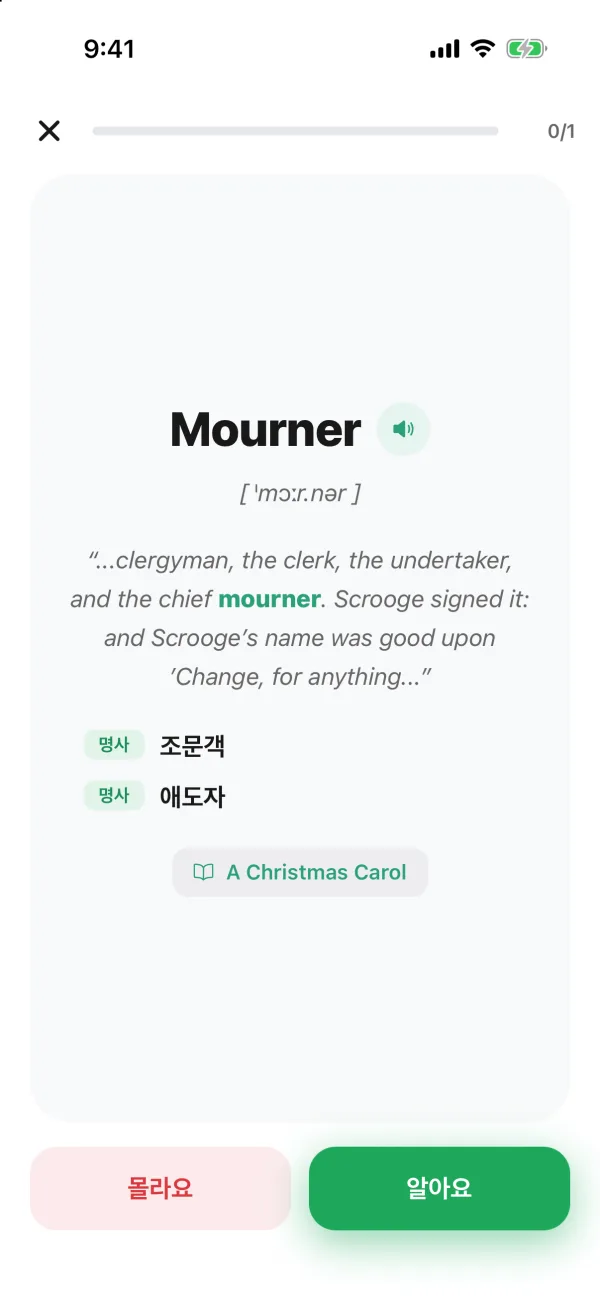
Review it right before you'd forget it.잊어버릴 즈음, 다시 꺼내 줘요.
Flashcards quiz you with the original sentence. Words you know climb through seven review boxes and come back less often; words you miss come back sooner.복습 카드는 원래 문장으로 문제를 내요. 아는 단어는 7개의 복습 박스를 올라가며 점점 드물게, 모르는 단어는 더 자주 돌아와요.
-
05
Start with a classic, or bring your own book.고전으로 시작하거나, 내 책을 가져오세요.
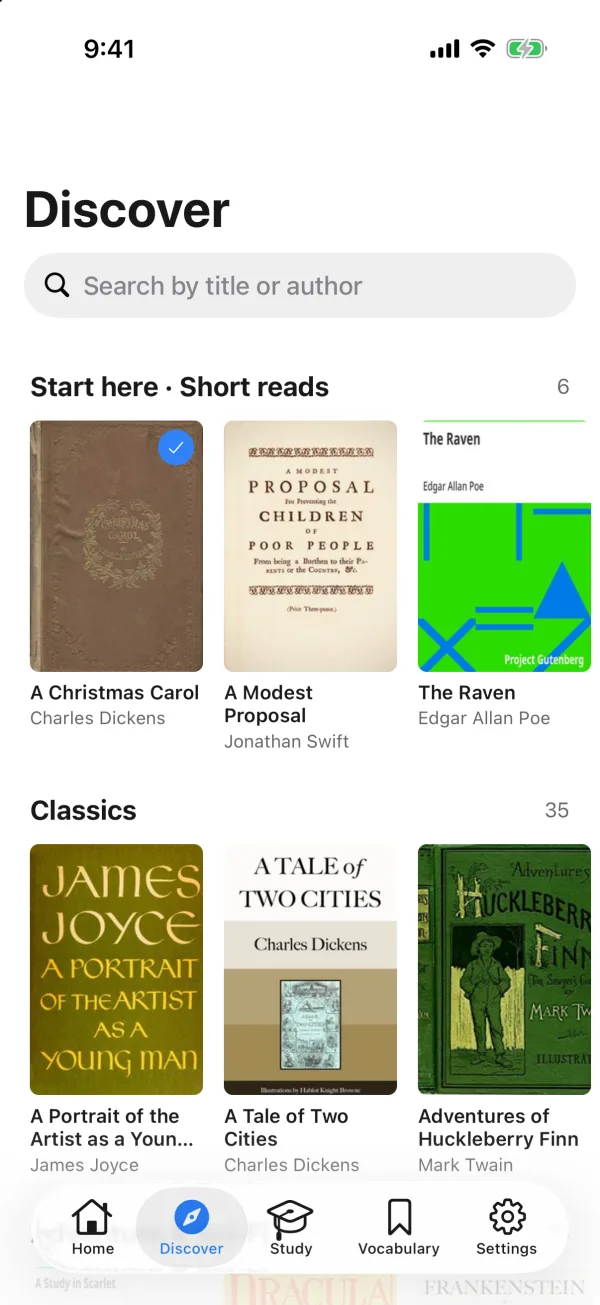
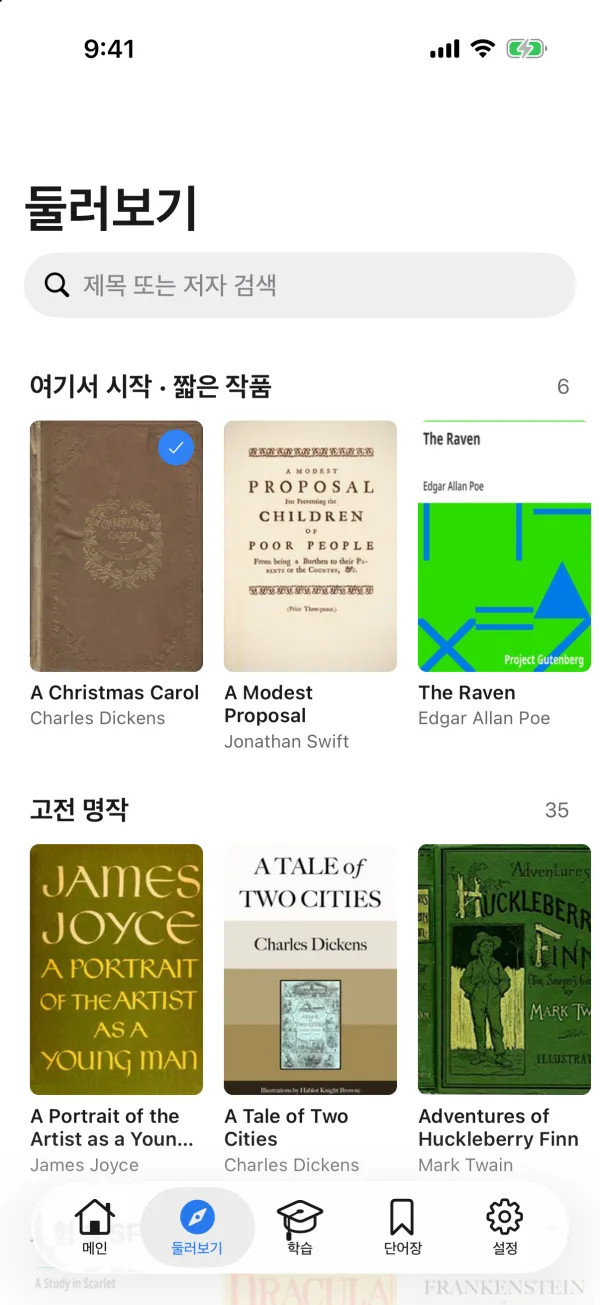
87 public-domain classics are ready to open. Import any DRM-free EPUB, PDF, or TXT — not just English: the app detects the book's language.저작권이 끝난 고전 87권을 바로 열 수 있어요. DRM 없는 EPUB, PDF, TXT도 가져올 수 있고, 영어가 아니어도 돼요. 책의 언어를 앱이 알아서 감지해요.